SVG Lab MCP server, now in Plus and Max
Send a prompt.Get a finisheddesign.
The SVG Lab MCP server gives your AI a design engine. Ask for a screen, an icon set or an illustration, and it comes back with the spacing, type and alignment already right.
Works with Claude, ChatGPT, Codex, Cursor, OpenCode or any MCP app. Saves SVG, PNG and PDF to My Projects.
Included in the Plus and Max plans, from $20 a month. Until Friday 2 October 2026, early access is on the moment you ask.
Included in the Plus and Max plans, from $20 a month. Every account gets 100 free requests to try it, one time.
You're on the list
MCP is already on for you
Your account can use the MCP now. Add https://svglab.app/mcp to your AI app as a connector, sign in to SVG Lab when it asks and press Approve. That is all: nothing needs to be open in SVG Lab, and there is no code to type in. Step by step setup for each app is in the setup guide.
Early access has ended
Every SVG Lab account gets 100 free MCP requests, one time, to try it. Add https://svglab.app/mcp to your AI app as a connector, sign in to SVG Lab when it asks and press Approve. The setup guide has the steps for each app.
After that, choose Plus or Max, or buy a top-up, on the billing page.
Something went wrong
We could not check your account right now.
Made with the SVG Lab MCP
Three apps, twelve screens. Untouched.
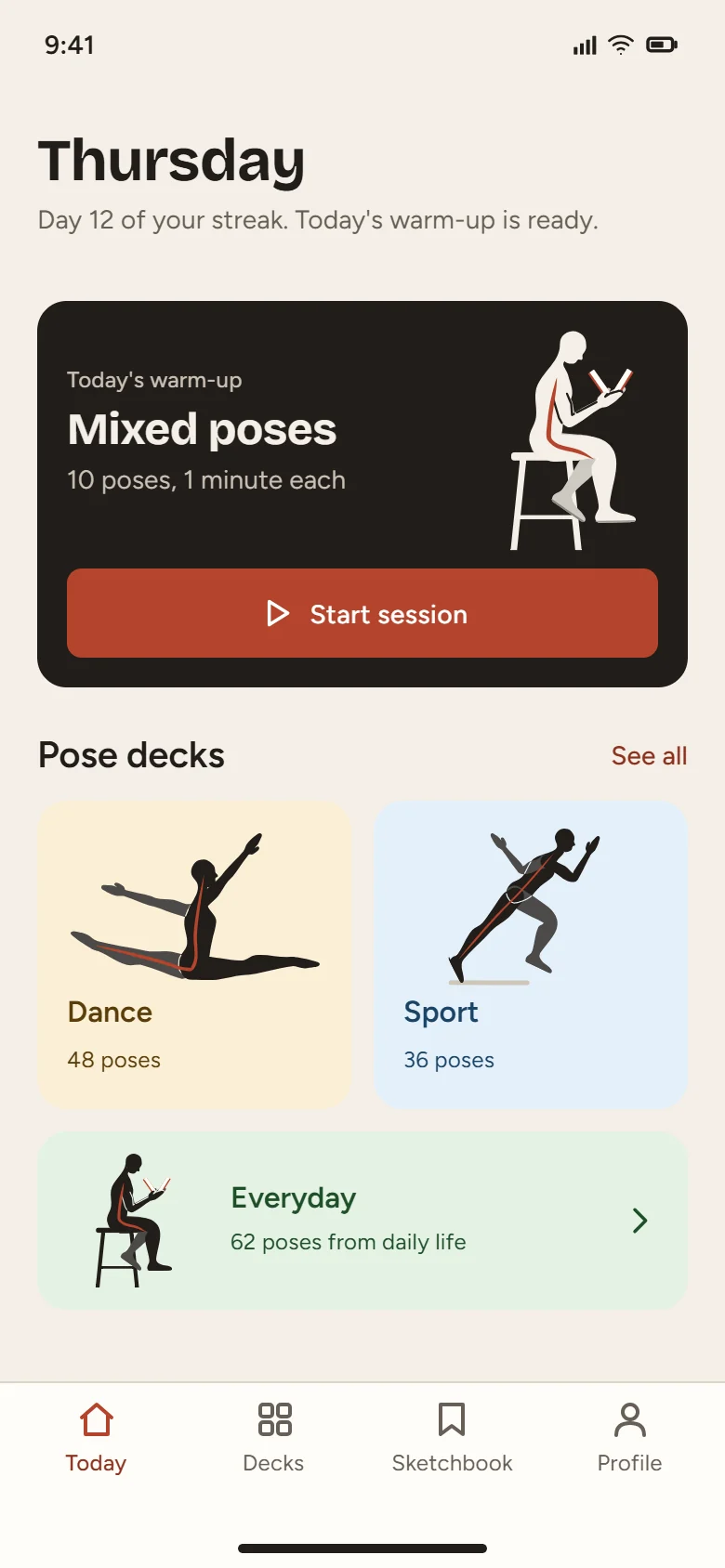
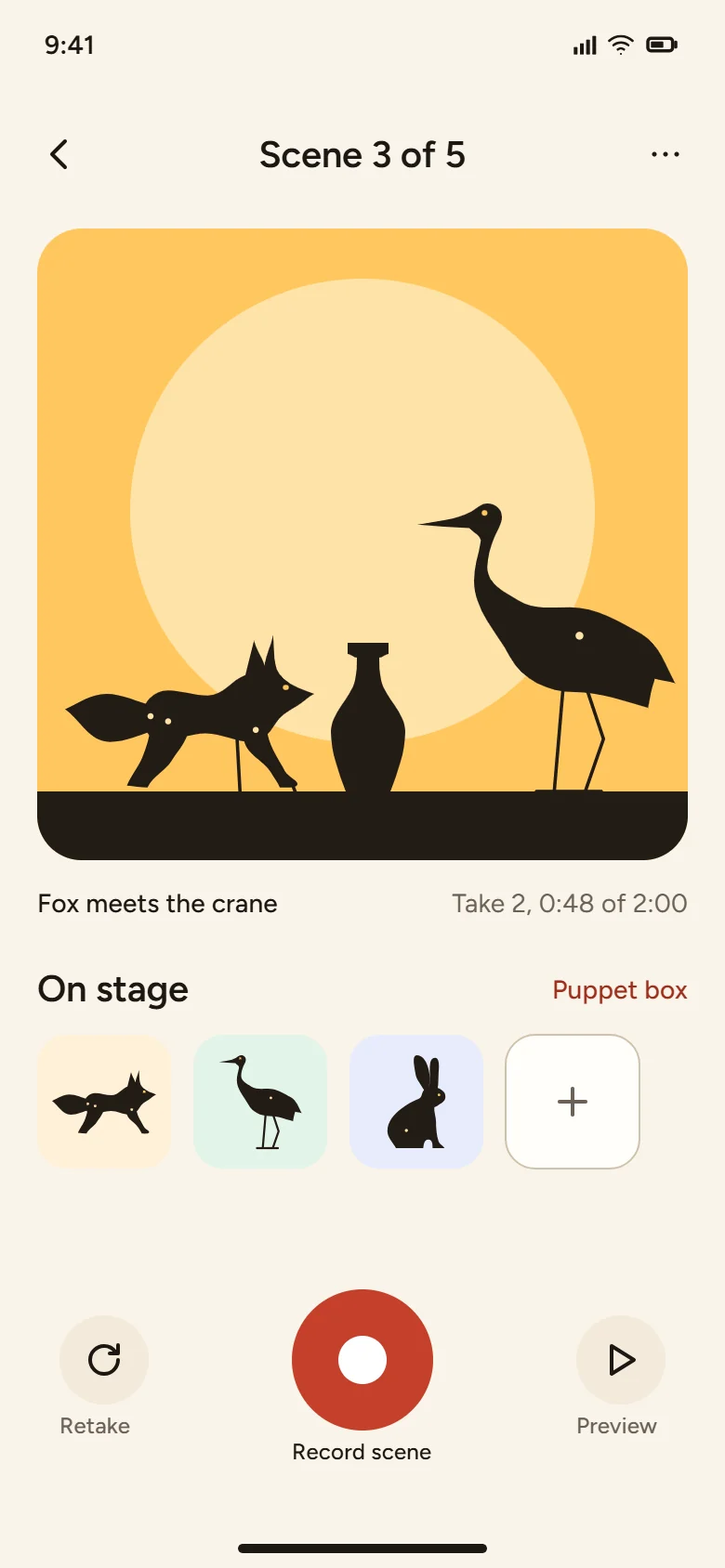
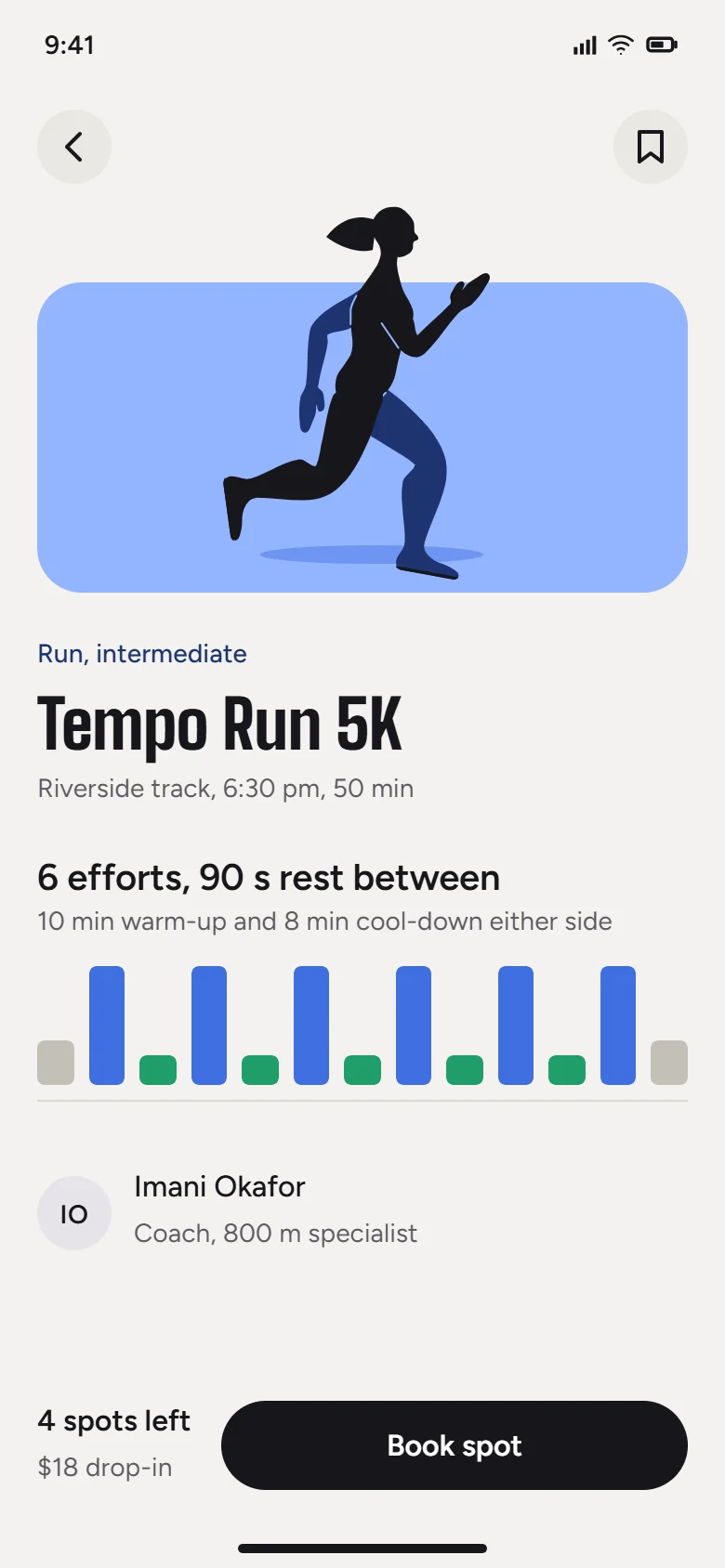
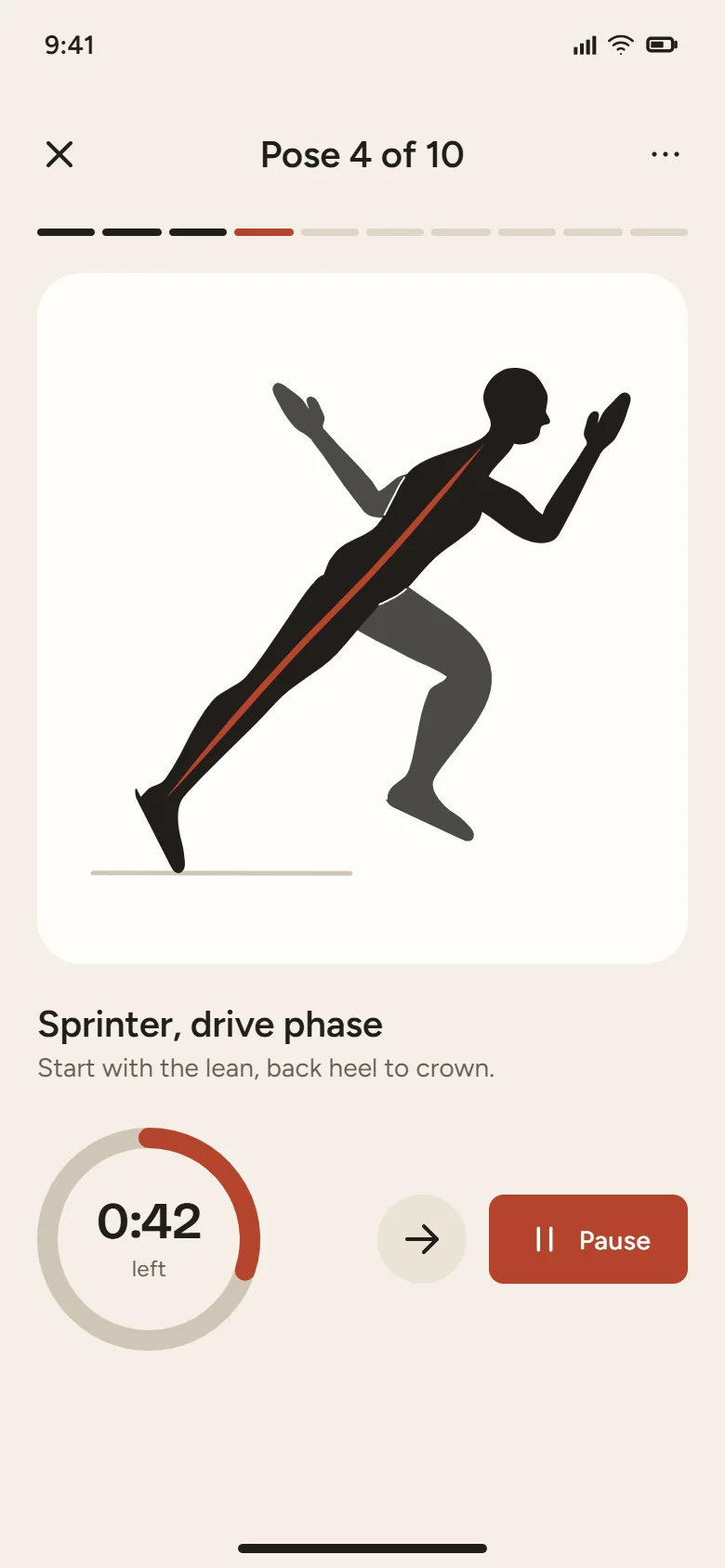
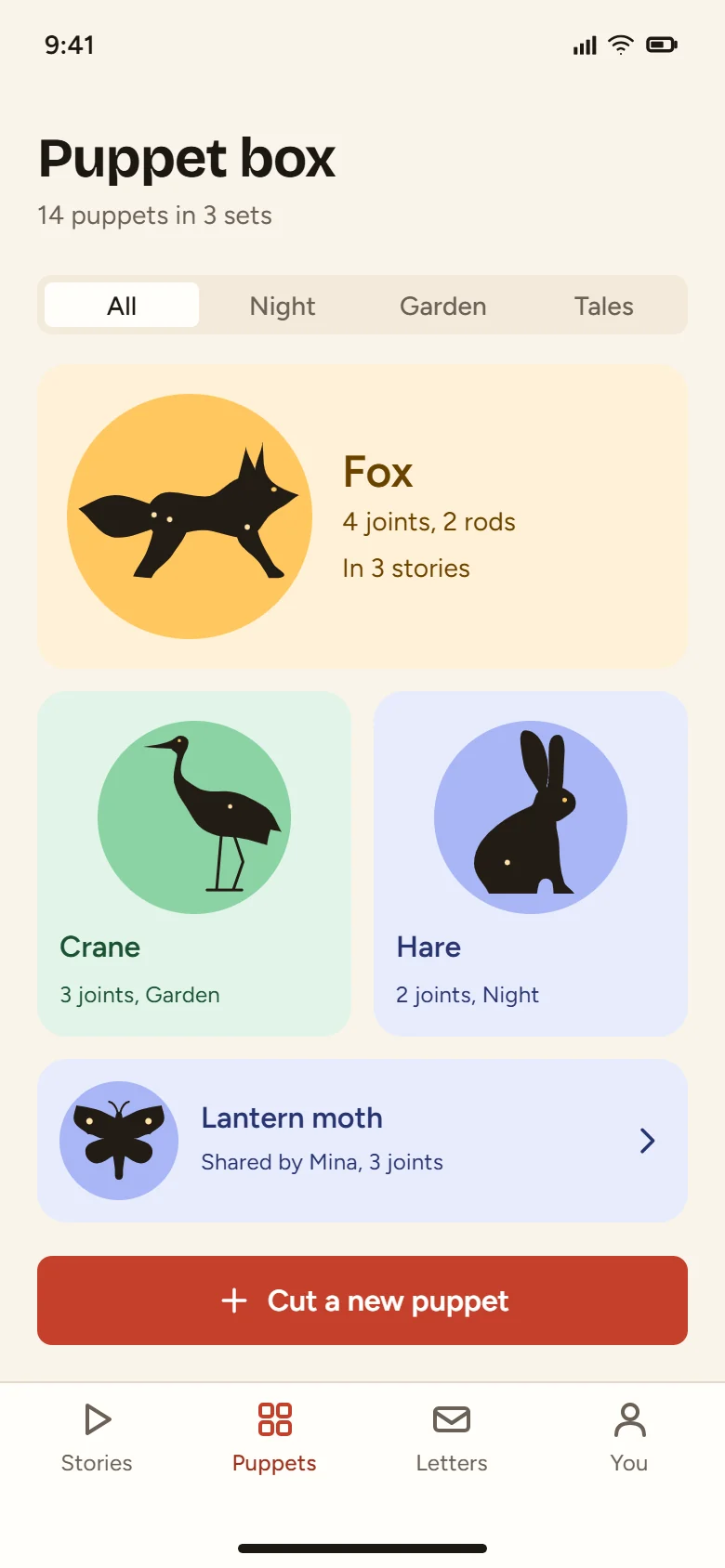
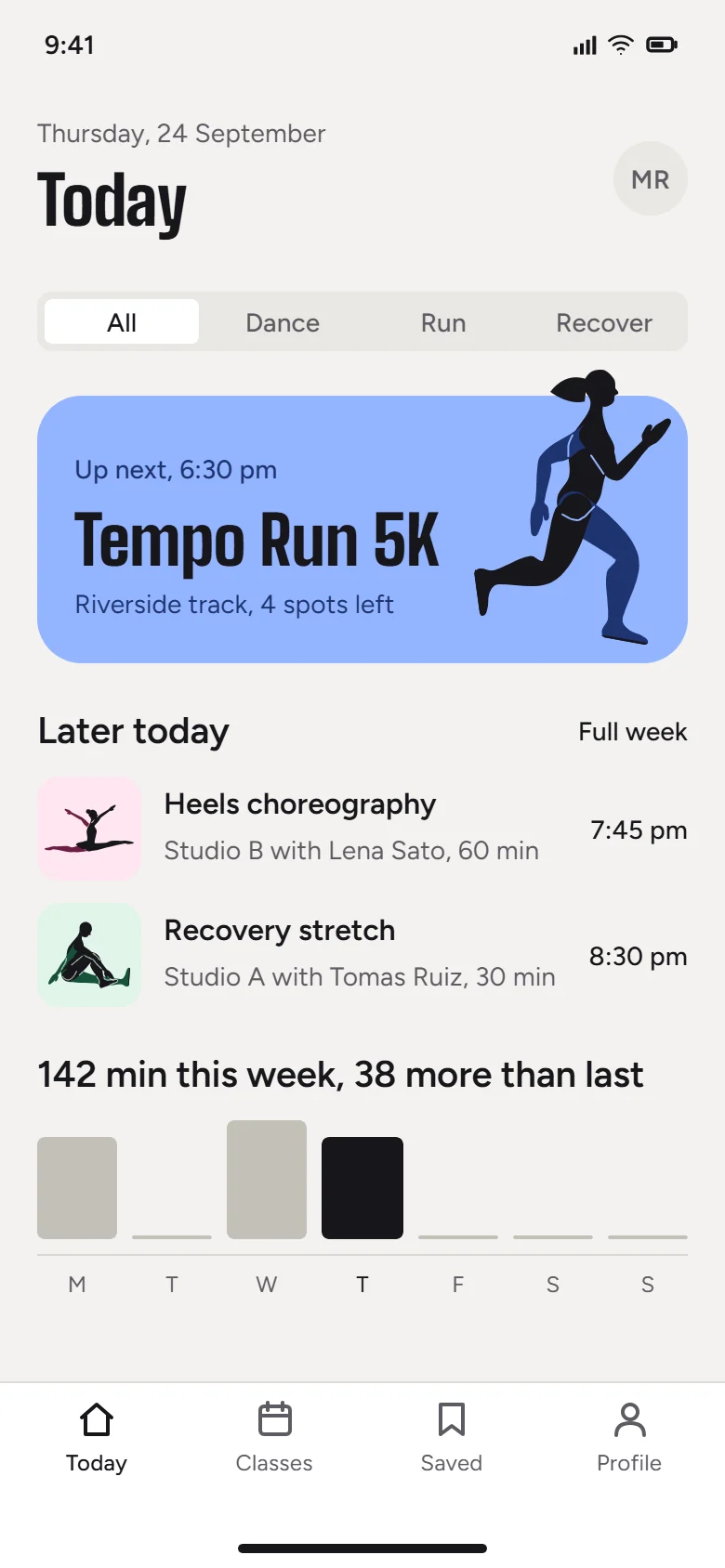
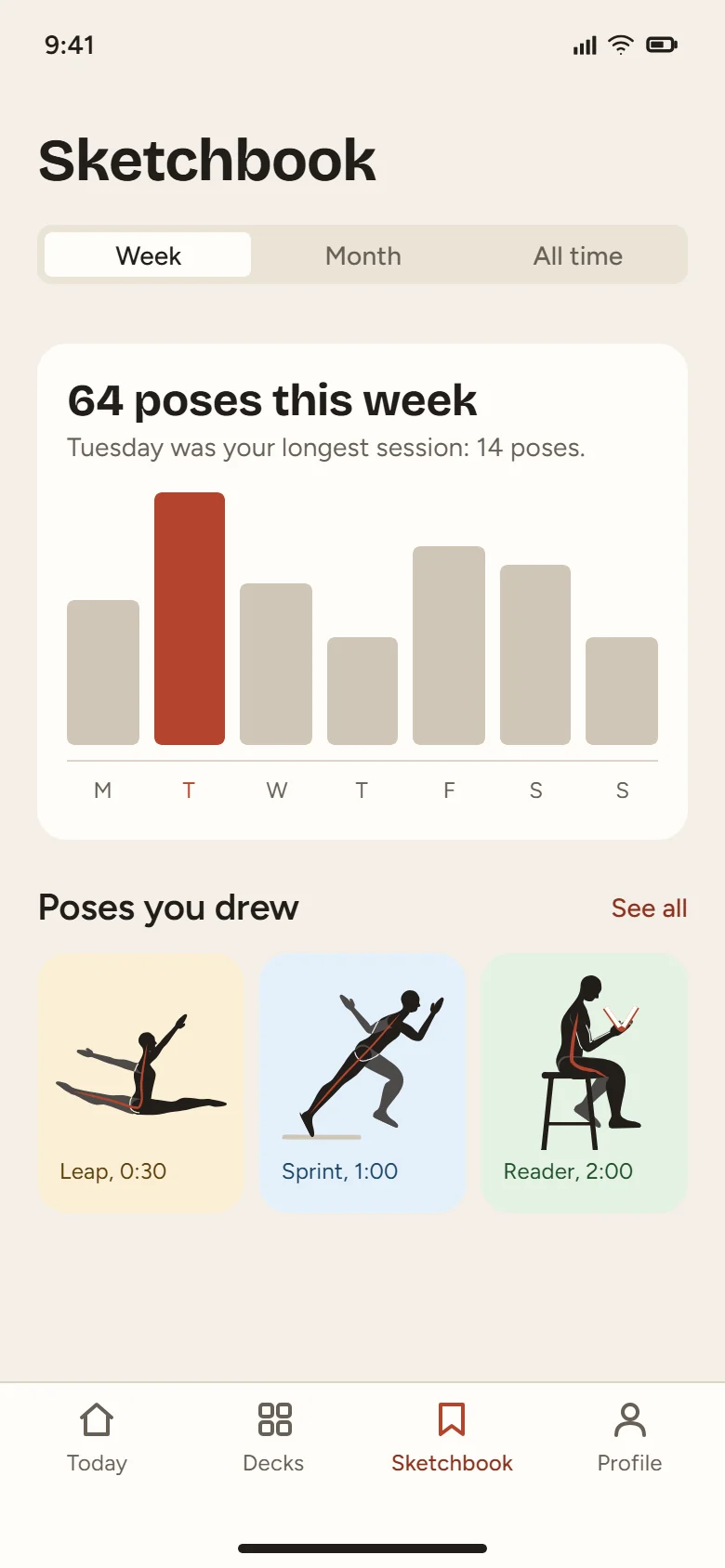
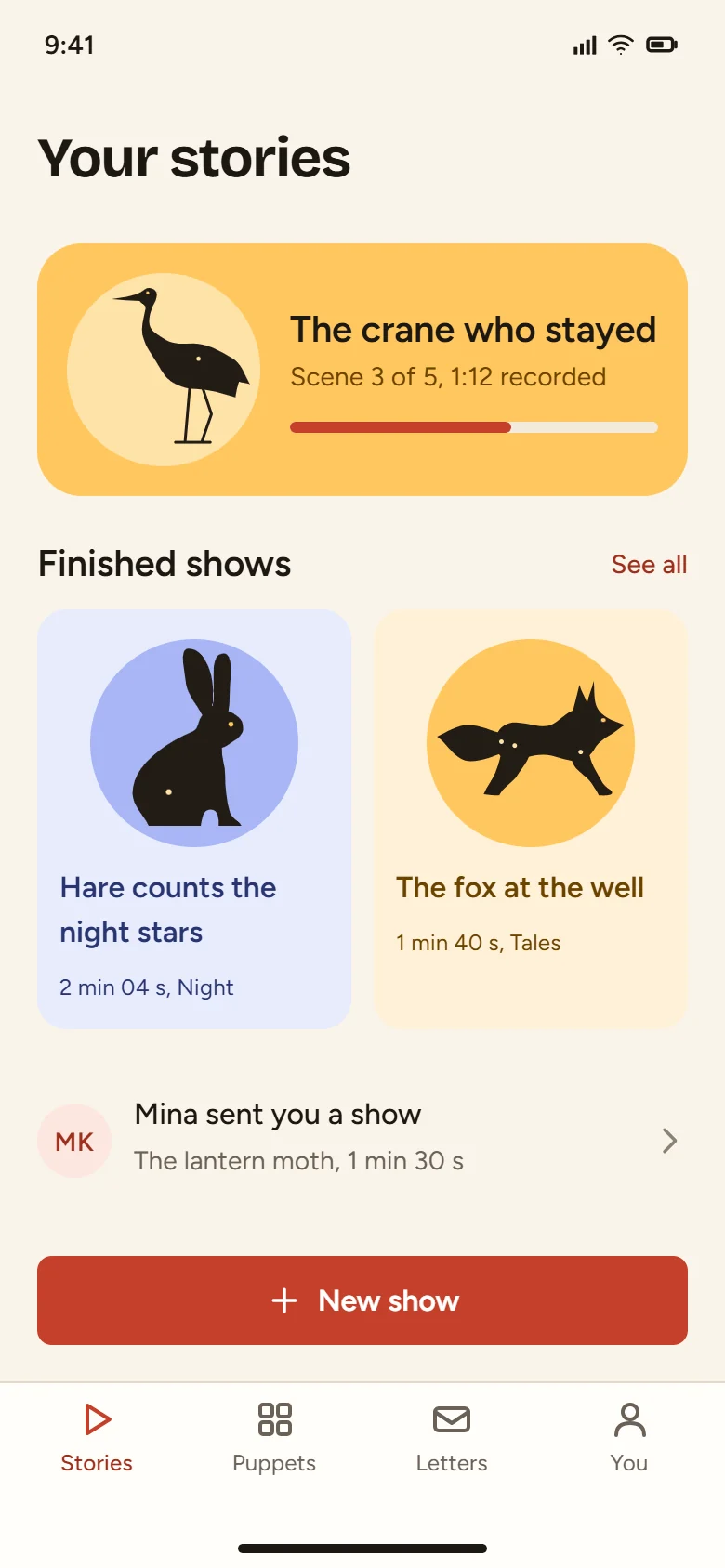
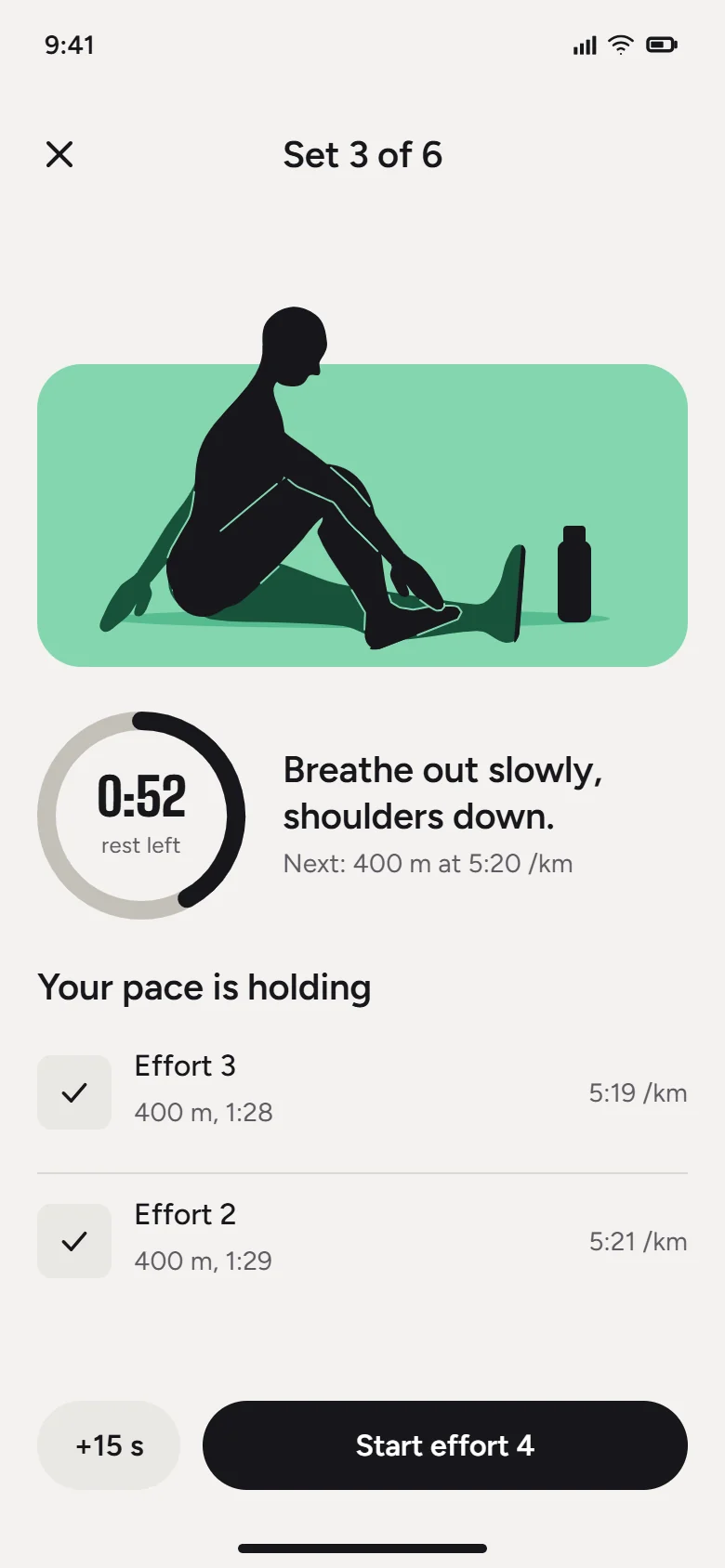
Describe the job. Your model hands back the finished file.
Real output. Untouched.
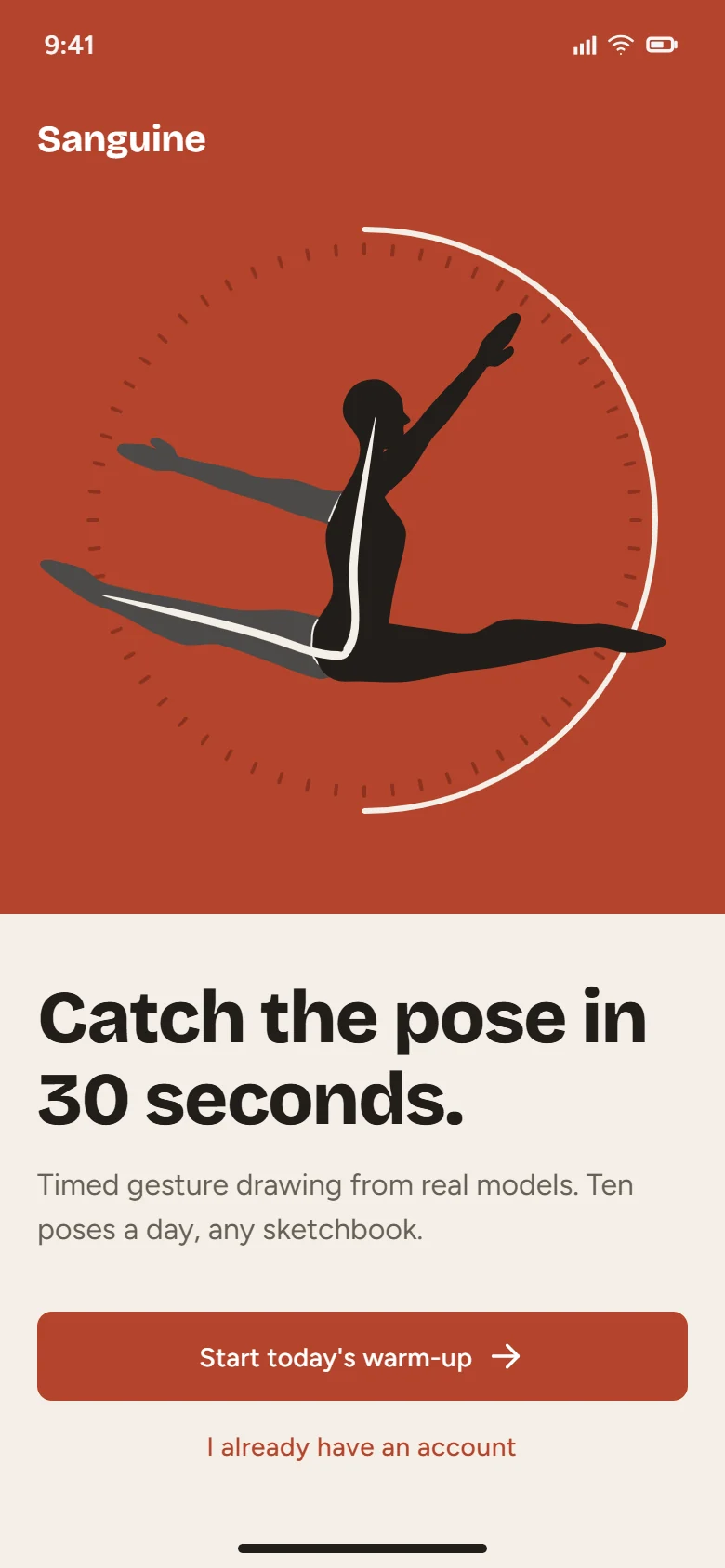
Sanguinefigure drawing practiceDesigned by Claude Opus 5.5 with the SVG Lab MCP
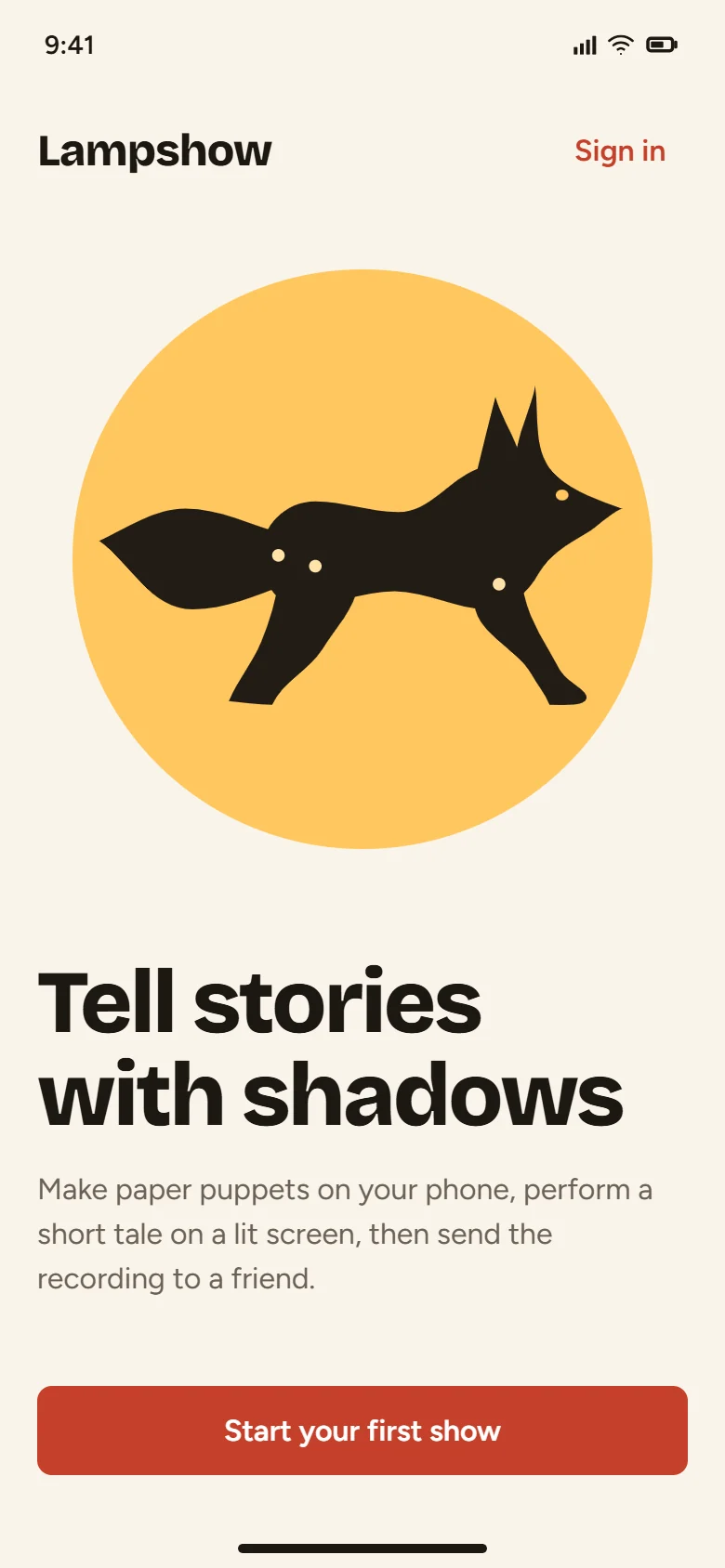
Lampshowshadow puppet storiesDesigned by Claude Opus 5.5 with the SVG Lab MCP
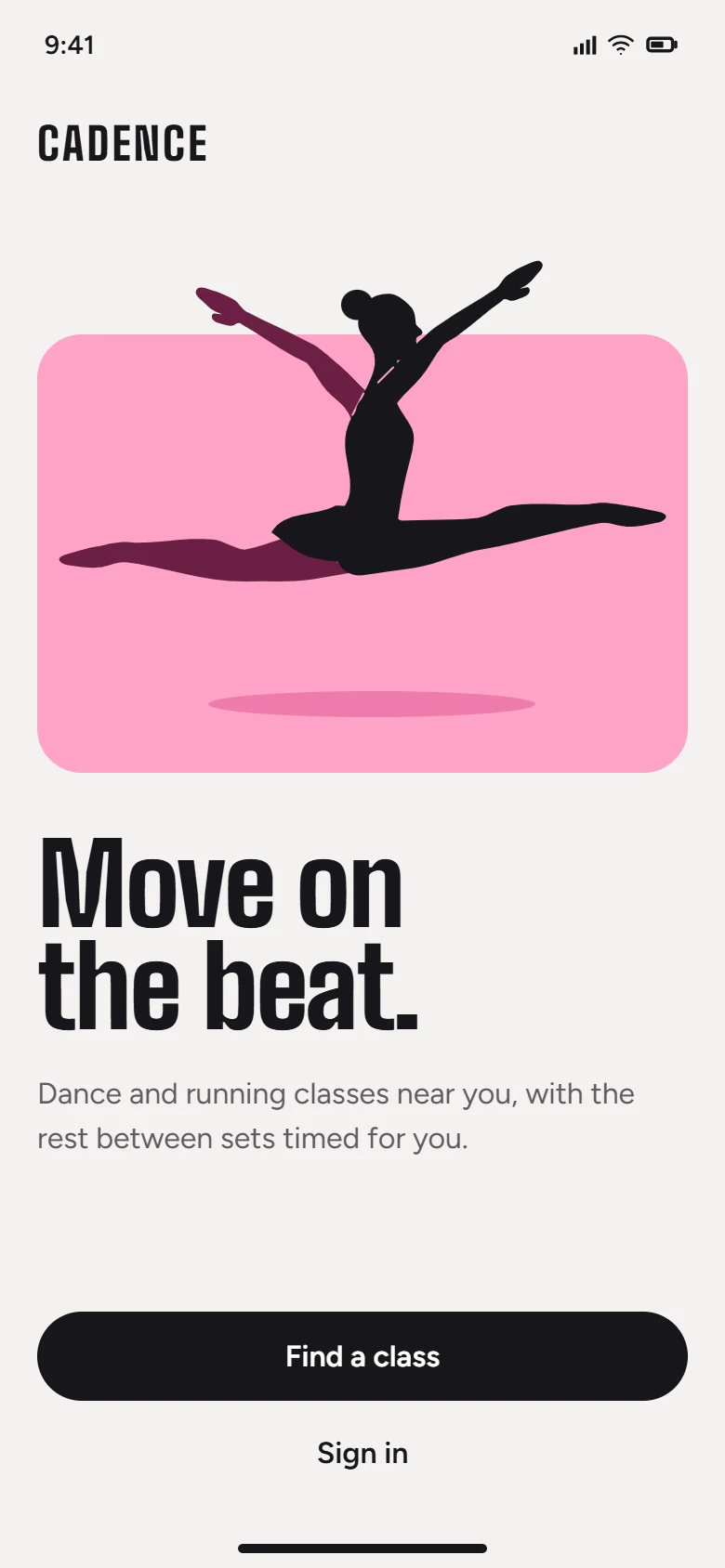
Cadencedance and running classesDesigned by Claude Opus 5.5 with the SVG Lab MCP
SVG Lab buildslayout, spacing, type, charts.
Your model bringsthe idea, palette, drawings and copy.
Three steps. The first one is today.
Bring your model.
Claude, ChatGPT, Codex, Cursor or OpenCode.
Send a prompt.
Plain words work: “a calm pricing screen for my app”
Get the file.
Saved in My Projects, ready to export as SVG, PNG or PDF.
Not a picture of a design. The design.
- Shapesreshape any path
- Textretype any word
- Coloursswap any token
Questions
What is the SVG Lab MCP server?
A remote MCP (Model Context Protocol) server that gives your AI app a design engine. You tell your AI what to make; SVG Lab builds it with the spacing, type and alignment right and saves it to your account. More about the MCP server at svglab.app/mcp-server.
Do I need to keep SVG Lab open?
No. Nothing needs to be open in SVG Lab, and there is no code to type in. Your model works on our servers and saves to My Projects.
What does it cost?
The SVG Lab MCP server is included in the Plus plan ($20 a month, 5,000 requests a month) and the Max plan ($40 a month, 15,000 requests a month). One tool call is one request, and calls that fail are not counted. See the plans.
What happens after I request early access?
Access is switched on straight away, and an email tells you how to connect your AI app. Early access stays open until Friday 2 October 2026.
Is early access still open?
No, early access ended on Friday 2 October 2026. Every SVG Lab account gets 100 free MCP requests, one time, to try it. After that, choose Plus or Max, or buy a top-up, on the billing page.
Which apps work?
Any app with remote MCP. Setup is ready for Claude, Codex and OpenCode.